


Download SoundTracking – social music sharing, music tracking app, share songs with friends, real-time music sharing, music discovery
Overview
SoundTracking is a social music sharing application designed to connect users through their musical preferences. The app enables individuals to share the music they are currently listening to with friends and followers across multiple social platforms. By integrating with popular music services such as Spotify, Rdio, and Google Music, SoundTracking allows users to tag songs, share artist images, and add location data to their music posts.
This functionality supports real-time music sharing, enhancing social interaction around audio content. The app is tailored for music enthusiasts, casual listeners, and social media users who value shared experiences through music. It is especially useful for discovering new tracks and artists through peer recommendations.
While the developer, SoundTracking, did not provide additional background information, the app’s functionality suggests a focus on community-driven music discovery. Real-world usage scenarios include sharing music at events, during commutes, or while working, helping users express their mood through sound. The app also includes music recognition software that attempts to identify songs played through a device’s microphone, though performance may vary depending on audio quality and language.
The developer did not specify resource usage details.
Key Features & Capabilities
- Real-Time Music Sharing: Users can instantly share the music they are listening to, including track title, artist, and album art, directly to social networks like Facebook, Twitter, and Foursquare.
- Music Recognition: The app uses built-in audio recognition to identify songs played through the device’s microphone, enabling users to share music even without a direct app connection.
- Location Tagging: Each music post can include a location, allowing users to share what they're listening to in specific places, such as concerts, cafes, or public spaces.
- Artist and User Discovery: The app features a feed that highlights trending posts and suggests new users to follow, including music artists, DJs, and active soundtrackers.
- Multi-Platform Integration: SoundTracking supports integration with major music streaming platforms, enabling seamless tracking and sharing of music from external apps.
- Manual Post Management: Users must manually initiate each music post, as the app does not support automatic posting of songs.
These features support a dynamic social experience where users can discover new music based on their friends’ preferences and real-time listening habits. For example, a user attending a live event can use the microphone recognition feature to identify and share songs from the venue, contributing to a collective music experience. The app’s interface is designed to prioritize visibility of friends’ shares and trending content, promoting engagement. However, the lack of automatic posting may require consistent user input, which could affect long-term usage. The developer did not specify performance benchmarks or recognition accuracy rates.
User Interface, Workflow & Performance
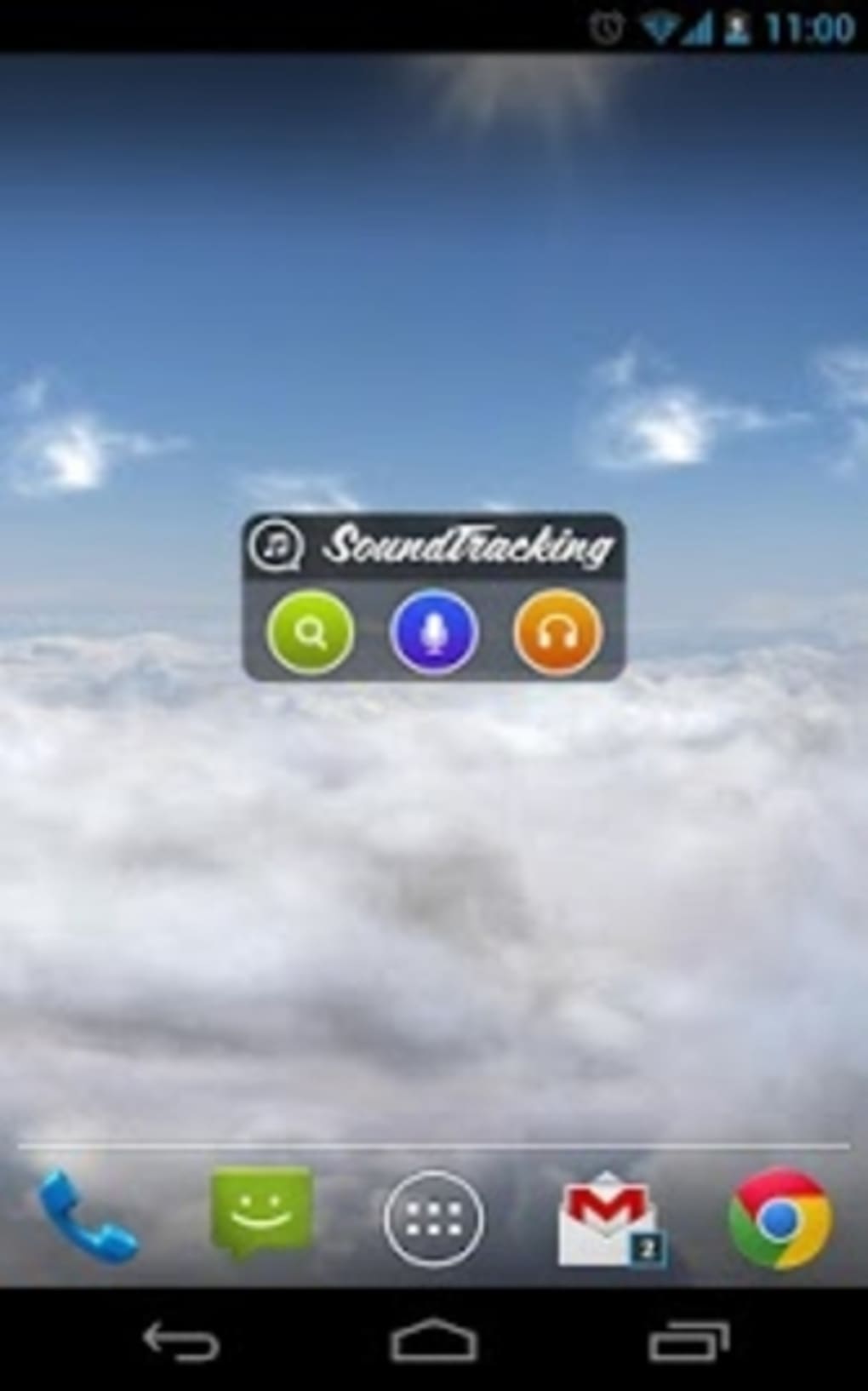
SoundTracking features a clean, intuitive interface focused on music discovery and social sharing. The main screen displays a feed of recent posts, with an emphasis on friends’ activity and trending tracks. Navigation is straightforward, with tab-based access to the feed, user profiles, search, and settings.
Users can quickly select a song from a connected music app, add a location, and share it with a few taps. The workflow is designed to minimize friction in the sharing process, though the need for manual posting may impact consistency. The app’s performance is generally stable, though some usability bugs have been reported, particularly related to image uploads and sharing.
The developer did not specify resource usage details, so CPU and RAM behavior remain unknown. Stability may vary across different devices, especially on older models. The app’s responsiveness appears consistent with typical mobile applications, but exact performance metrics were not provided.
Users may experience delays when using the music recognition feature, depending on background noise and audio clarity. The developer did not specify update frequency or crash statistics.
Compatibility & System Requirements
SoundTracking is available for both Android and iOS operating systems, ensuring broad accessibility across mobile devices. The current version is 3.2.1, with a file size of 12.5 MB, indicating a lightweight installation. The developer did not specify exact system requirements, such as minimum RAM, processor speed, or storage needs.
Compatibility information was partially provided, with support confirmed for Android and iOS platforms. Users are advised to ensure their devices meet the minimum requirements for their respective operating systems. The app supports integration with Spotify, Rdio, and Google Music, but no details were provided on whether all features are available across all supported platforms.
The developer did not list any hardware-specific dependencies or limitations.
Pros and Cons
Pros
- Simple and intuitive interface for easy music sharing
- Supports real-time sharing across major social platforms
- Includes music recognition via microphone for spontaneous tracking
- Enables location-based music tagging for contextual sharing
- Free to download and use with no upfront cost
- Offers user and artist discovery through suggested feeds
Cons
- Manual posting required—no automatic song tracking
- Music recognition may not identify songs in non-English languages
- Some usability bugs reported, especially with image uploads
- Limited system requirements information provided
- Performance and stability may vary across devices
FAQ Section
Is SoundTracking available for both Android and iOS?
Yes, SoundTracking is compatible with both Android and iOS operating systems.
Is the app free to use?
Yes, SoundTracking is available at no cost. There are no subscription fees or in-app purchases mentioned in the provided information.
Can I use SoundTracking without a music streaming app?
While the app integrates with popular music services, it also includes a microphone-based recognition feature that allows users to identify and share songs without a direct app connection.
Does SoundTracking support automatic posting of songs?
No, the app does not support automatic posting. Each music post must be initiated manually by the user.
Is the app secure when sharing personal music data?
SoundTracking connects to social networks and music platforms through standard authentication methods. However, specific security protocols or data encryption details were not provided by the developer.
Final Thoughts
SoundTracking offers a straightforward approach to social music sharing, combining real-time tracking, location tagging, and multi-platform integration. Its ability to recognize music through the microphone adds a unique layer of spontaneity, making it ideal for users who enjoy sharing their listening experiences in real time. While the manual posting requirement and occasional usability bugs may affect user consistency, the app remains functional and accessible.
The free model and cross-platform availability make it a strong choice for music lovers seeking to connect with others through sound. For those who value community-driven music discovery and expressive audio sharing, SoundTracking delivers a compelling experience. Download SoundTracking now.






.png)
